
VINELink Coverage in Glynn County
Glynn County keeps its custody alerts in one place. The Glynn County Detention Center page offers a path to register for VINELink notices, which marks VINELink as the county's chosen custody-notification channel. Georgia rolled out the service statewide as VINE Appriss. The Governor's Office, the Criminal Justice Coordinating Council, and CDX launched it in March 2024.
VINE pairs a person-specific custody search with notifications you request. That can spare you from reopening the GCDC daily population PDF again and again. Still, know its limits. It is not a booking photo source, an arrest report, or a certified court docket. The official statewide VINE announcement notes access by phone, online, and mobile app, with multilingual support.
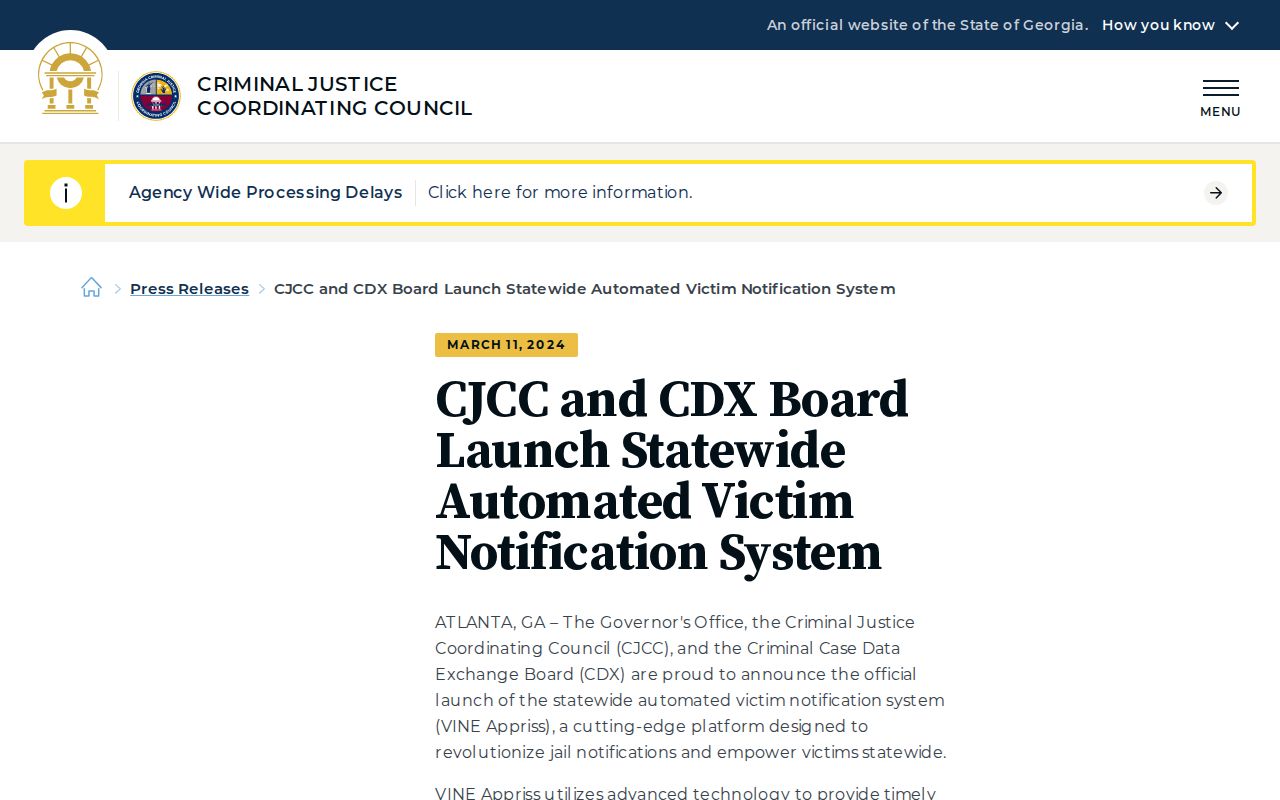
The announcement provides state context, while the GCDC link establishes the local route.
Check a Glynn Arrest on VINELink
Begin at the official Georgia interface and search for one person. Screen labels can change, so follow the live prompts rather than expecting an older layout.
- Open the Georgia VINE search and confirm that Georgia is selected.
- Enter the available name or identification details, keeping spelling and suffixes accurate.
- Review all possible matches instead of choosing the first similar name.
- Confirm the county, facility, identifiers, and status shown before treating a result as the correct Glynn custody record.
- If the person is the intended match, use the result's registration path to request the status notices offered by the live service.
The Georgia VINE entry screen shows the official state search form without displaying any individual people.
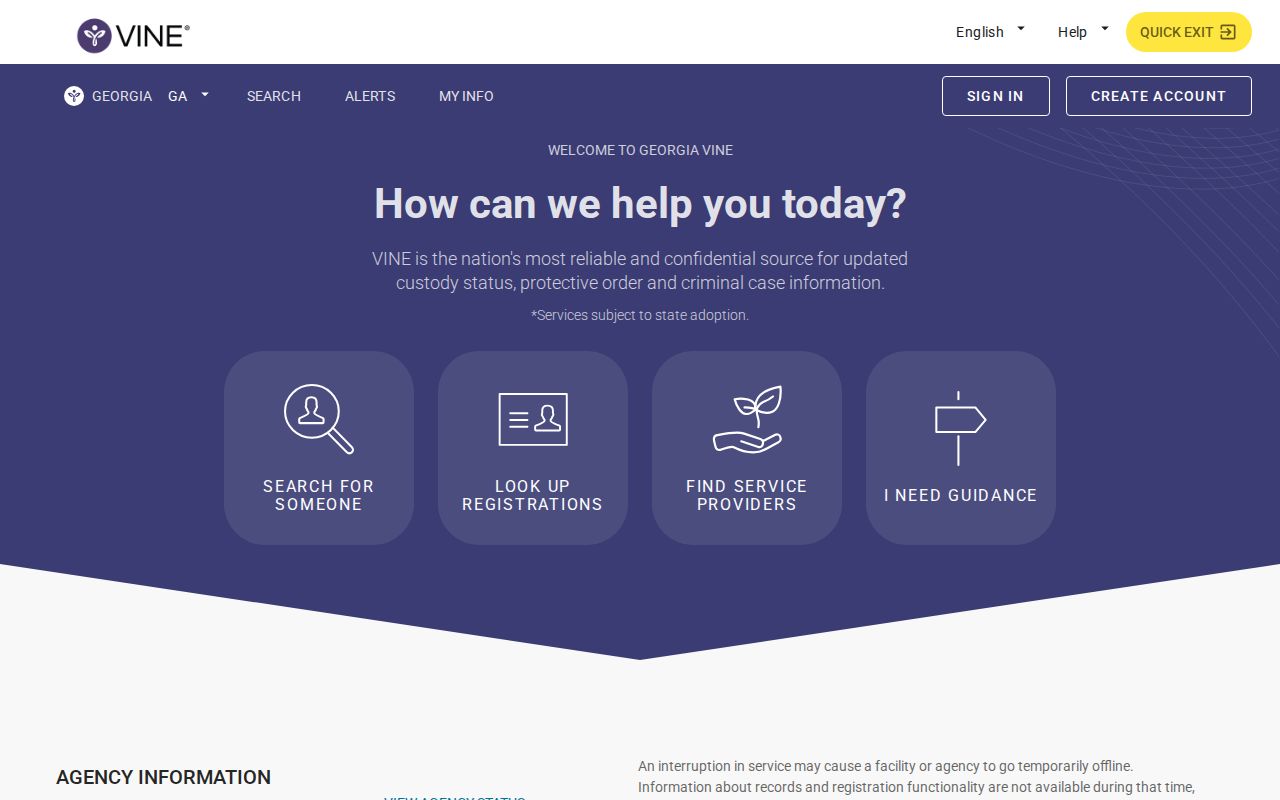
Use the current form fields and confirm the facility, since the same name can match more than one record. A failed search proves nothing. The spelling may differ. The booking may not have reached VINE yet. The person may already have been released or moved to another facility. Another state, or a federal system, may hold the record. Call GCDC inmate information at 912-554-7590 when a result conflicts with facts you trust.
What a VINELink Result Means
Fields vary with the live record and interface. The concepts below describe typical results, checked against the displayed county and facility.
| Result item | How to read it |
|---|---|
| Name and identifier | Use available identifiers to separate people with similar names. |
| Custody status | A service status at the time of the data, not a court disposition. |
| Facility or county | Confirm that the record points to Glynn or the expected participating institution. |
| Custody event | Release, transfer, escape, or another status change may support a notice when exposed. |
| Notification option | A route to register a phone, text, or email destination for offered events. |
| Not supplied as proof | VINELink does not establish guilt and is not a certified arrest or court record. |
If the person should stay in county custody, compare a VINELink result with the GCDC daily report. The two serve different jobs. One is a daily population publication, and the other is a person-specific search and alert system.
Register for Glynn Custody Alerts
Registration attaches to a verified person record, not a general county subscription. Pick only the contact channels and status events the current interface offers, then save the confirmation details somewhere secure.
- Open the matching custody record and choose the notification or registration option.
- Select an available phone, text, or email destination and enter it carefully.
- Choose the custody-change events offered, which may include release, transfer, escape, or another exposed status.
- Create the PIN or other verification element requested by the current interface.
- Complete any confirmation step and keep the PIN available to verify a telephone alert or manage registration.
The VINELink public entry capture documents the service's general registration doorway.
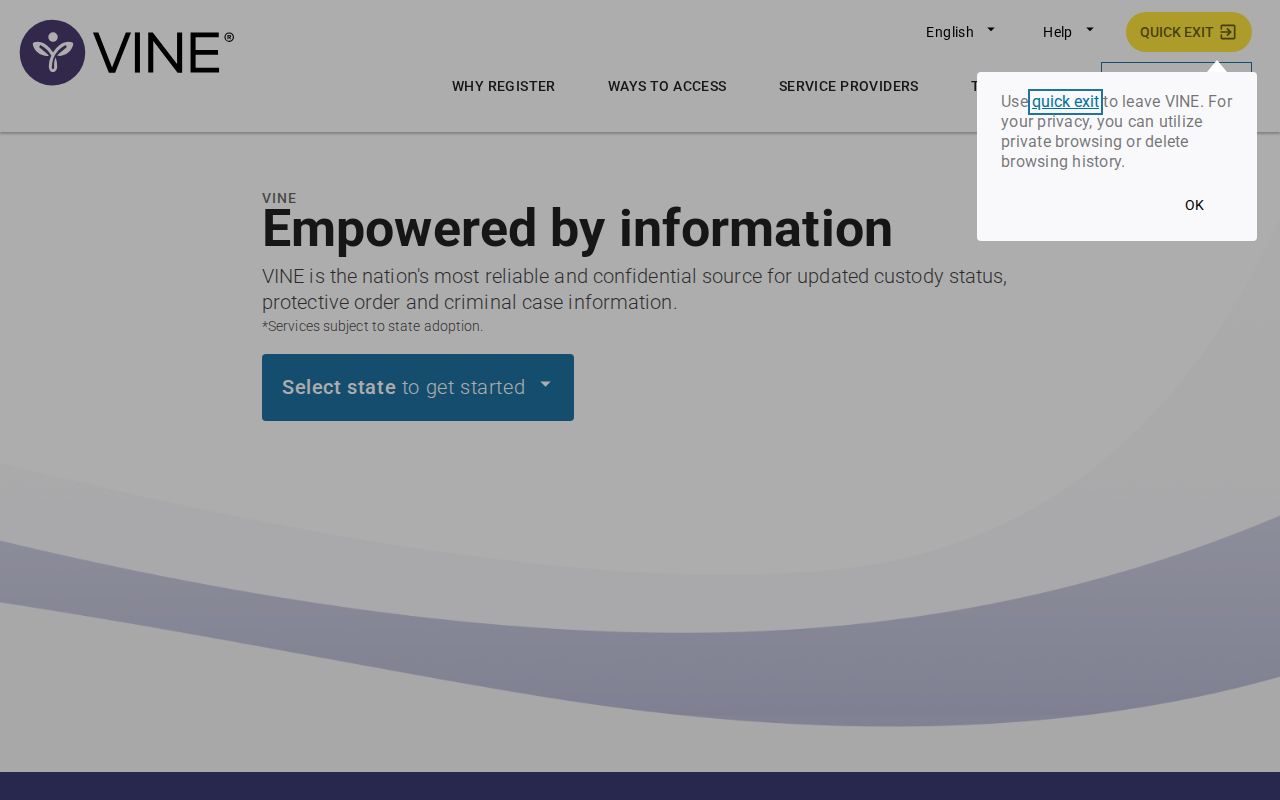
The service is free. It is not a commercial records subscription. An alert is a prompt to verify, not proof that every downstream record has updated. If one reports a release or transfer, use the facility contact for current details. For immediate safety planning, never rely on a text or automated call alone.
VINELink Limits and Glynn Verification
State VINE carries no Bureau of Prisons, U.S. Marshals Service, or ICE custody data. A GCDC daily-report label like "Inmate Held for Federal Authorities" is only a routing clue. Federal prison custody belongs with BOP. Federal pretrial and transport questions go to USMS, and immigration detention sits with ICE's own system.
The county publishes no exact VINE update interval. The Arrests Last 24 Hours guide covers the official daily PDF fallback and its current-population limit. For the arrest narrative, contact the arresting agency; for the legal outcome, use the clerk or court record.
Alerts Do Not Replace Arrest Records
A VINE registration means someone asked for notice about a matched custody record. Nothing more. It does not certify the arrest. Nor does it cover the charge or court result. The GCDC report, by contrast, supplies a different set of administrative fields. These include booking date, days jailed, charges, degree and status, and active or inactive labels. County emergency tools like CodeRED are not booking alerts. The sheriff's office lists no booking app, booking-photo social feed, or SMS jail roster. Commercial visitation, messaging, or commissary platforms serve people already in custody. They are not public arrest searches.
Note: Use VINE for custody-change notice, GCDC for the daily population, the arresting agency for its report, and courts for the outcome.
Identity, Privacy, and Innocence
Take care with common names. Confirm the facility and every lawful identifier the result offers. A mismatch can tie a serious arrest record to the wrong person, so skip publishing any personal details a search does not require.
Charges listed at booking can change. They may be amended, dropped, or settled in court later, and custody can end without the VINE result explaining why. Treat each alert as a custody signal only. A careful record note names the source, logs the access date, and labels VINE as a custody service rather than a case record.
When Glynn Custody Is Not Found
Start with spelling. A single dropped letter can hide a Glynn County booking from view. Consider too that the person may sit elsewhere. It could be a different county, a state facility, or federal custody. Resist the urge to keep tweaking identity details until something matches. When solid information still points to GCDC, phone inmate information. Ask how to confirm the custody status directly.
A release changes things. Someone freed from jail will drop off the current population report. Yet the booking and court record usually lives on. Ask the record custodian for a copy, giving a name, a date range, and the arresting agency. Where safety is the concern, reach out to victim services or law enforcement rather than waiting on an automated alert.
Finally, keep the registration accurate. A blocked text or a mistyped address can swallow a notice the system actually sent. Treat the statewide real-time notification wording as a goal. It is not a promise of instant delivery for every Glynn County event. Pair the alerts with a direct check. Call GCDC or a victim-services contact to close the loop.